
THE PROBLEM
Live Room, a youth cultural centre, registered its members on paper. The team needed one place to sign members up, sort them by season and category, and get the numbers out when they need them.
MY CHOICES
Five decisions shaped the system. Each one comes from how the centre actually works.
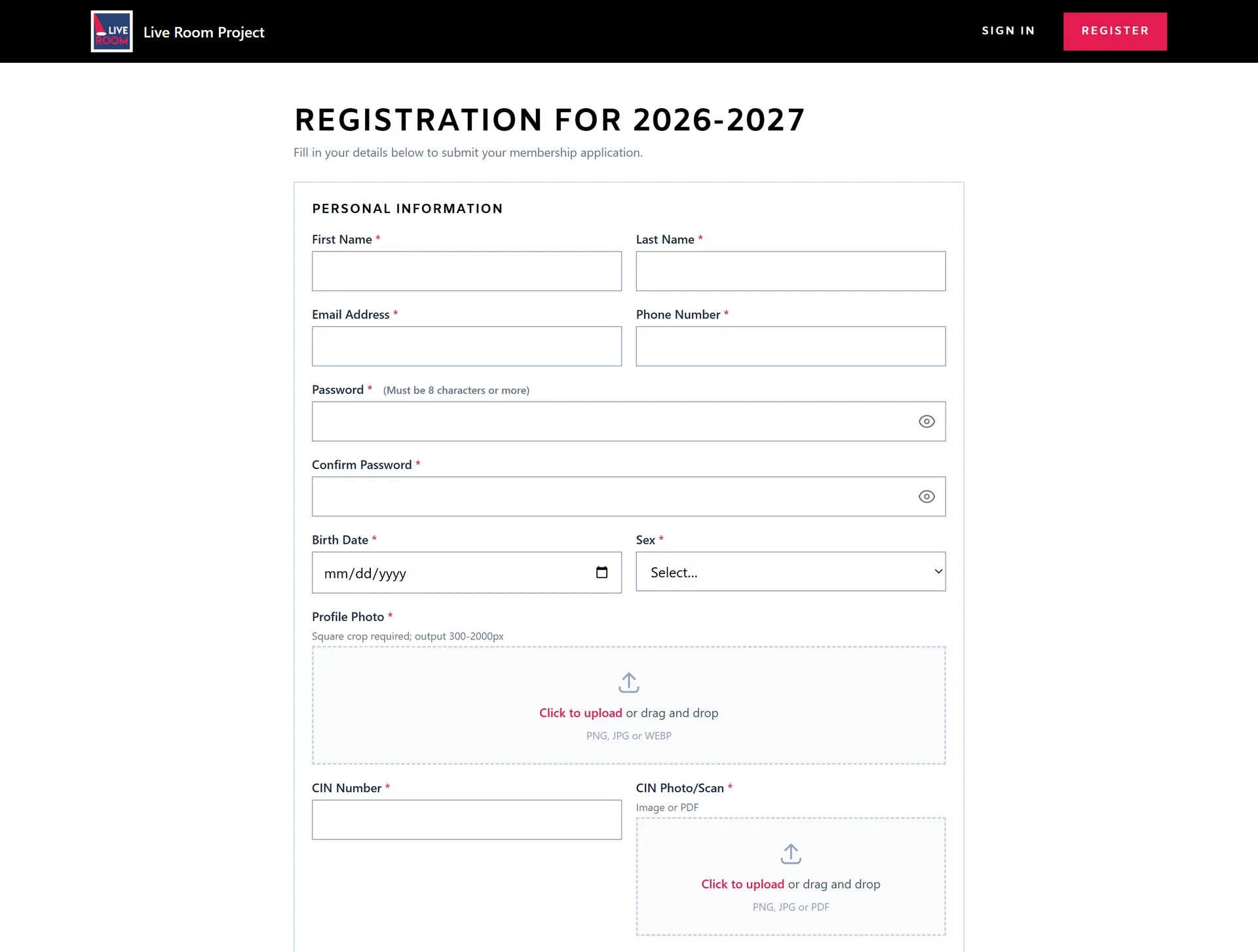
Registration asks for first and last name separately.
WhyClean records that can be sorted and searched by surname.
A helper class puts every new member in the current season automatically.
WhyStaff never pick a season by hand, so no one lands in the wrong one.
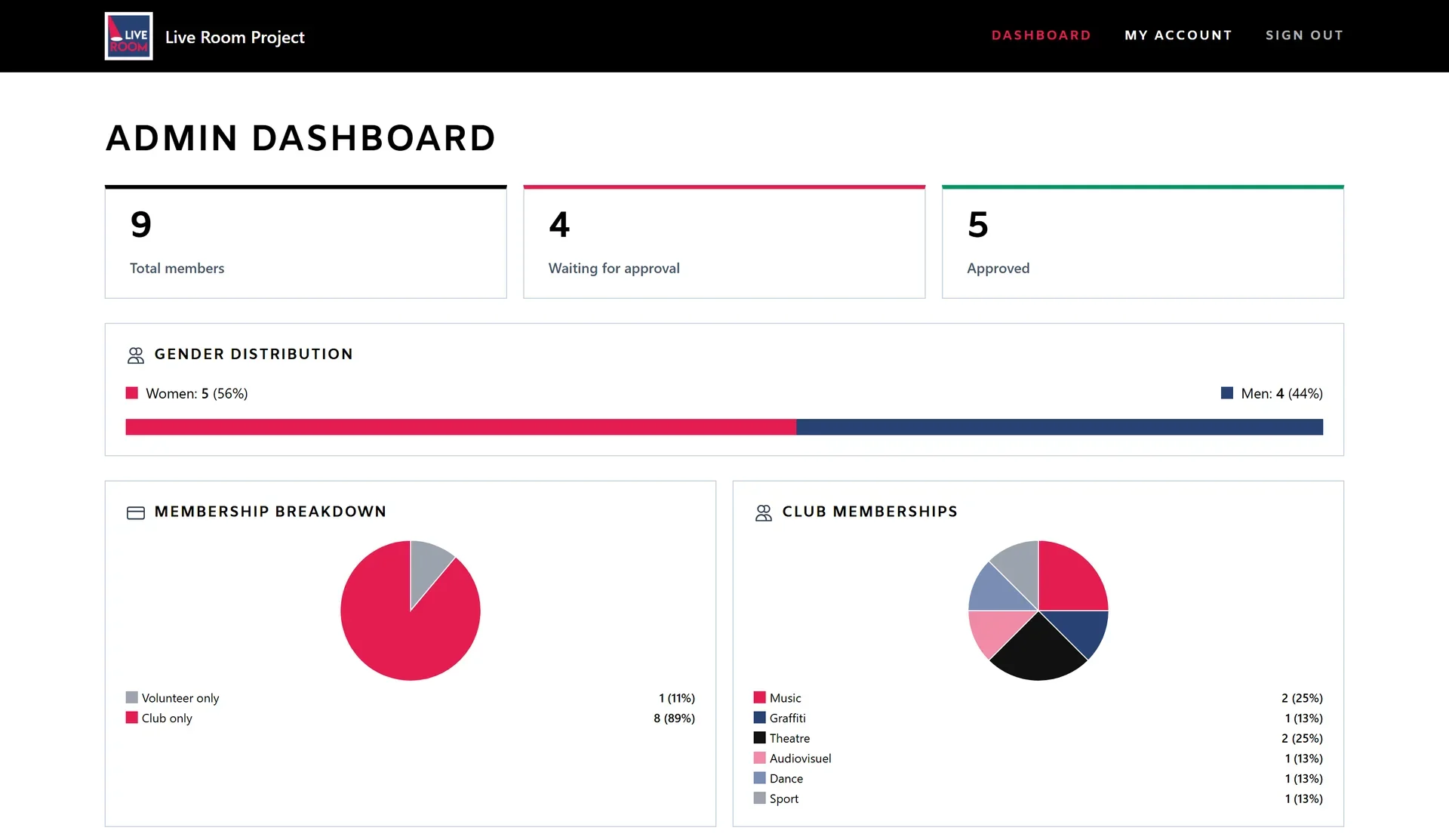
The membership breakdown pie chart uses categories that never overlap.
WhyEvery member is counted exactly once, so the totals always add up.
CSV export and reset tools are built in.
WhyData leaves the system easily for reports, and a new season starts clean.
File inputs accept drag and drop.
WhyFaster for the team when they handle documents.
WHAT I BUILT
I designed and built all of it, from the database to the screens.
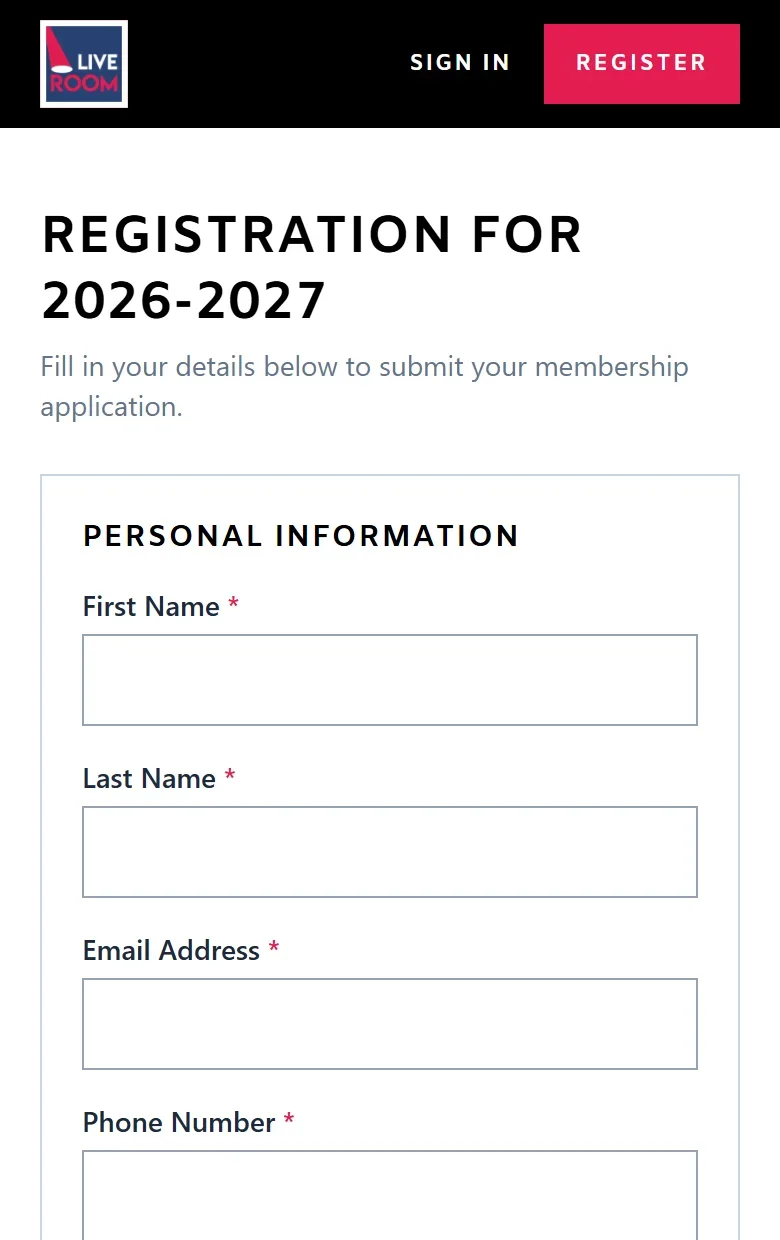
A registration form with server-side validation, photo cropping and ID document upload.
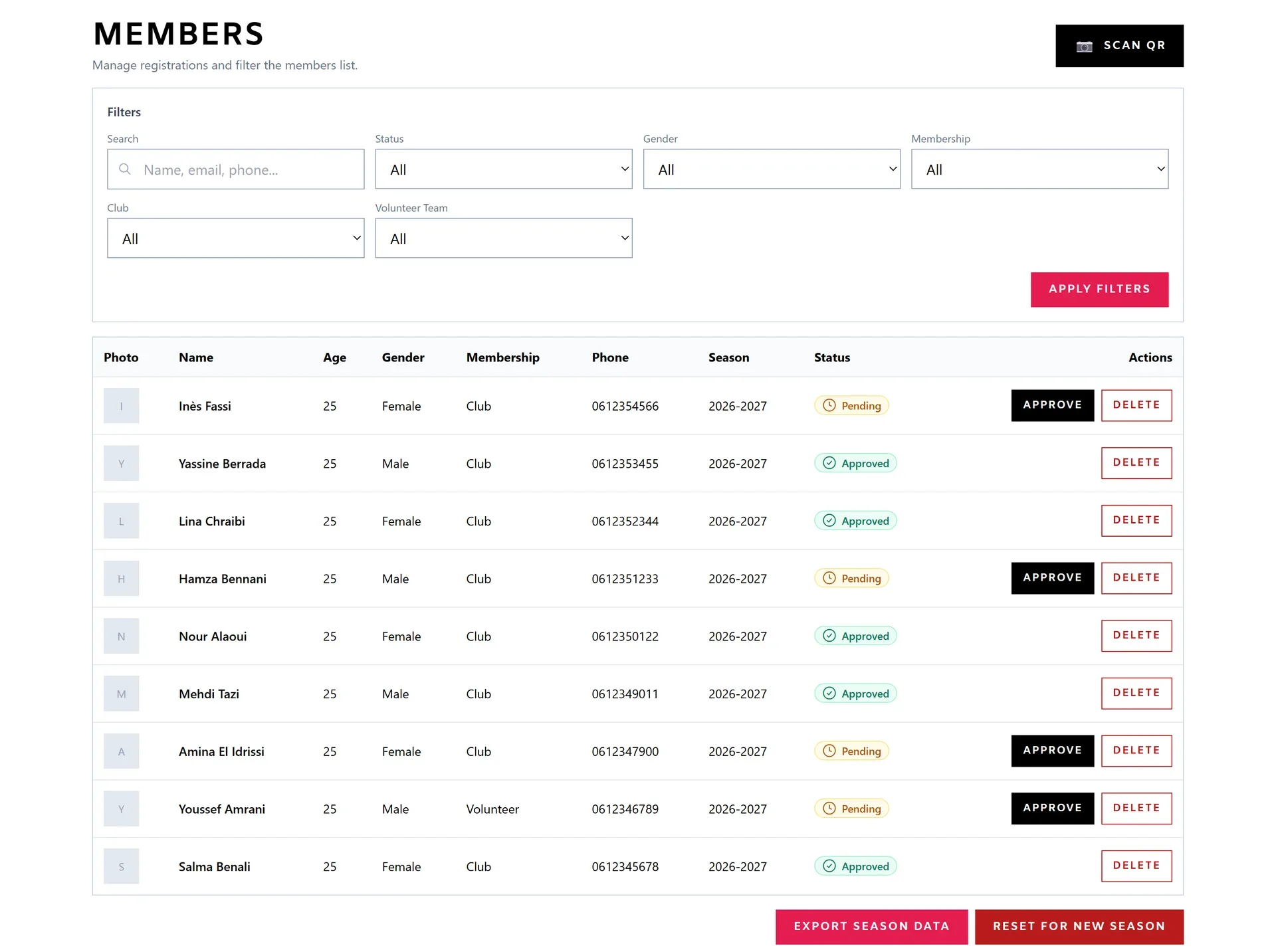
An approval workflow with pending, approved and rejected, a member directory you can search and filter by status, gender, membership, club or volunteer team, and a CSV export of the season.
Live numbers for total, pending and approved members, with the gender split, the membership breakdown and club memberships drawn as custom SVG charts.
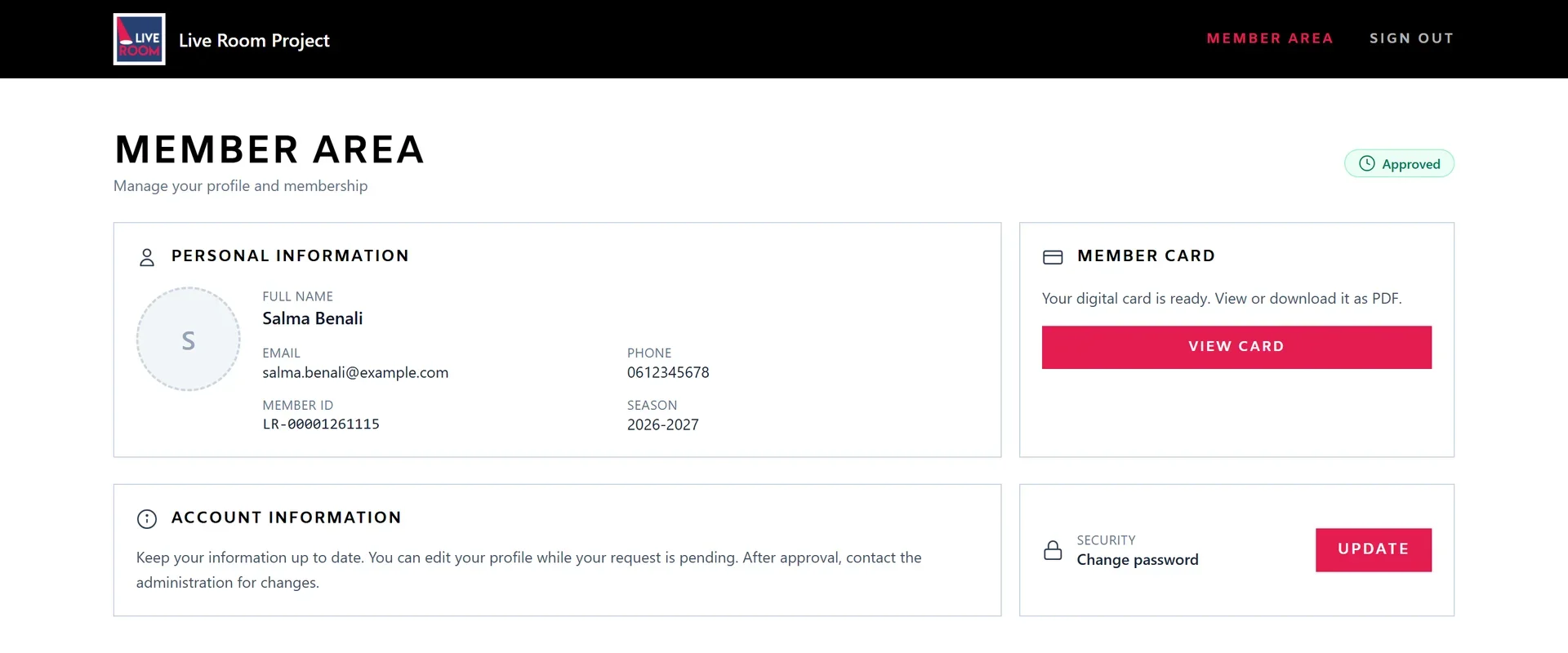
Members sign in to see their status, edit their details while the request is pending, change their password and open their card.
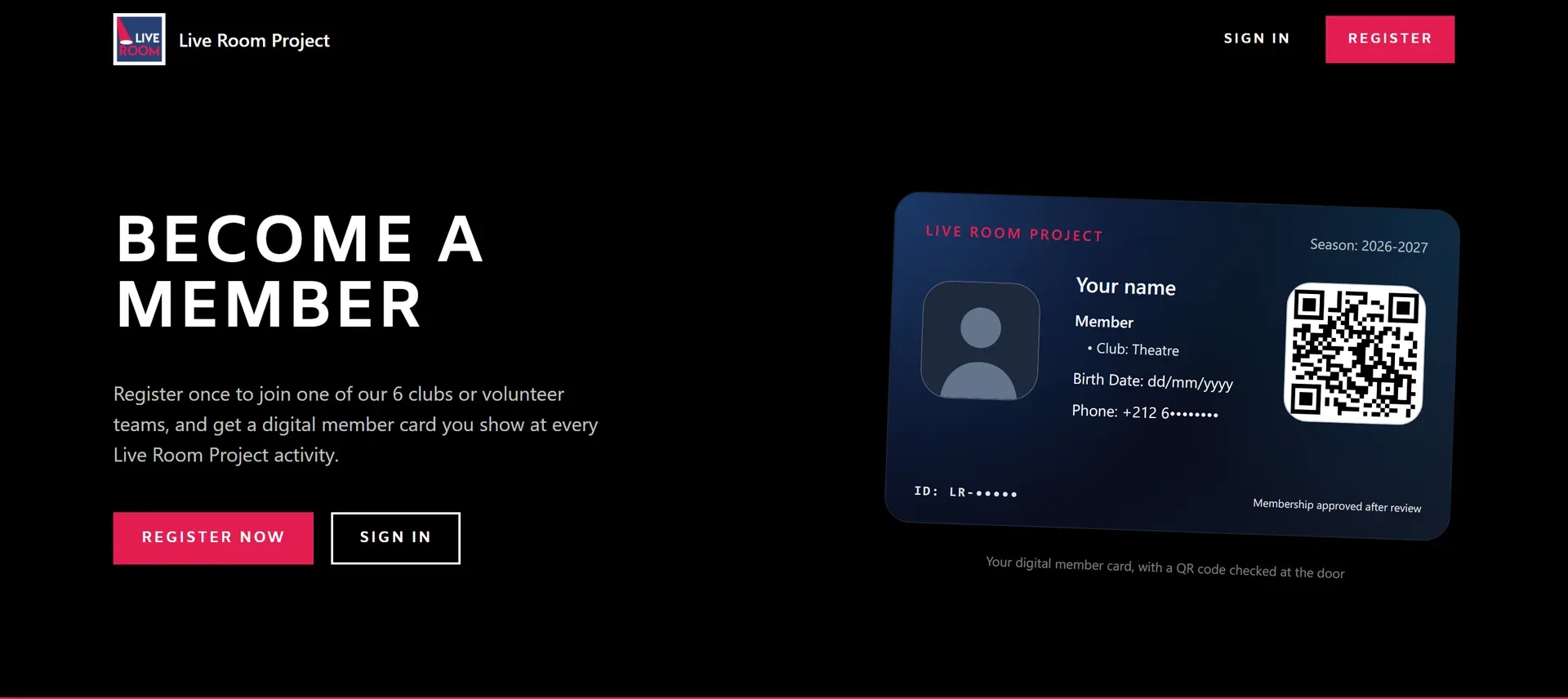
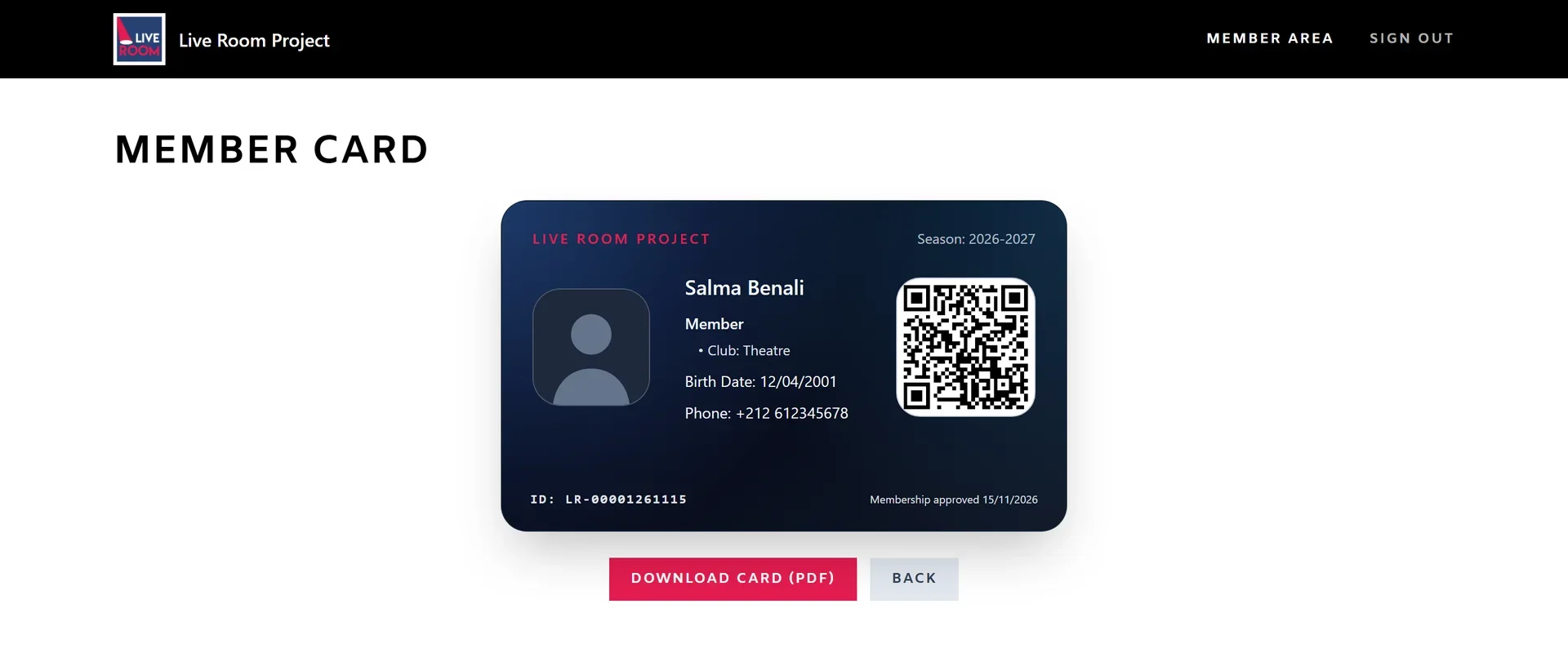
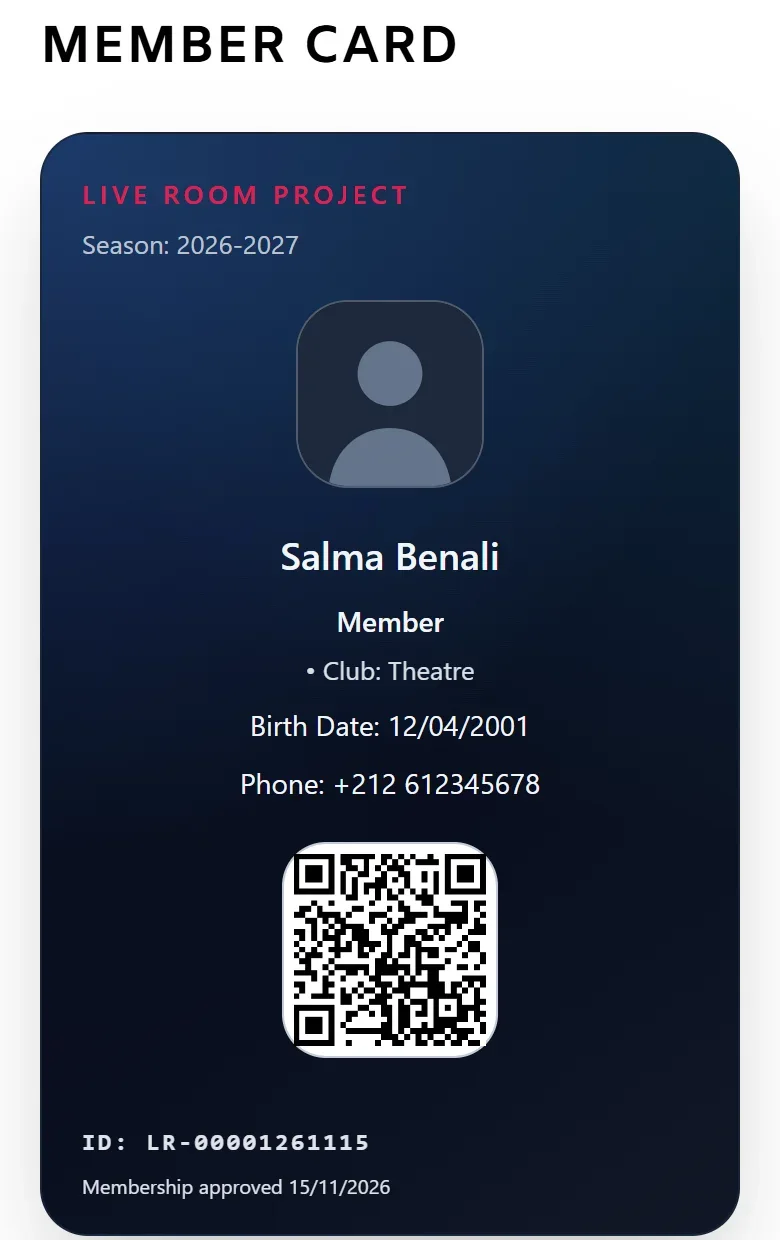
A QR membership card members can download as a PDF, and a scanner in the dashboard that reads it with the camera and shows the member's status.
Roles for admins and members, enforced in the API and in the interface. Members can no longer edit an application once it has been reviewed.
WHAT WAS HARD
The QR member cards took the most work. One card had to exist in three places at once: on screen, in a PDF the member downloads, and in the scanner the team uses to check it. All three had to agree on who the member is and whether they are approved.
Every form field and upload is validated by Laravel before anything is saved.
WhyBad data never reaches the database, whatever the browser sends.
Roles are enforced in the API and in the interface, and a reviewed application can no longer be edited.
WhyHiding a button is not enough. The server refuses the action too.
The season reset backs up the data first and keeps the admin accounts.
WhyThe most destructive action in the system is also the safest one.
THE SCREENS
THE RESULT
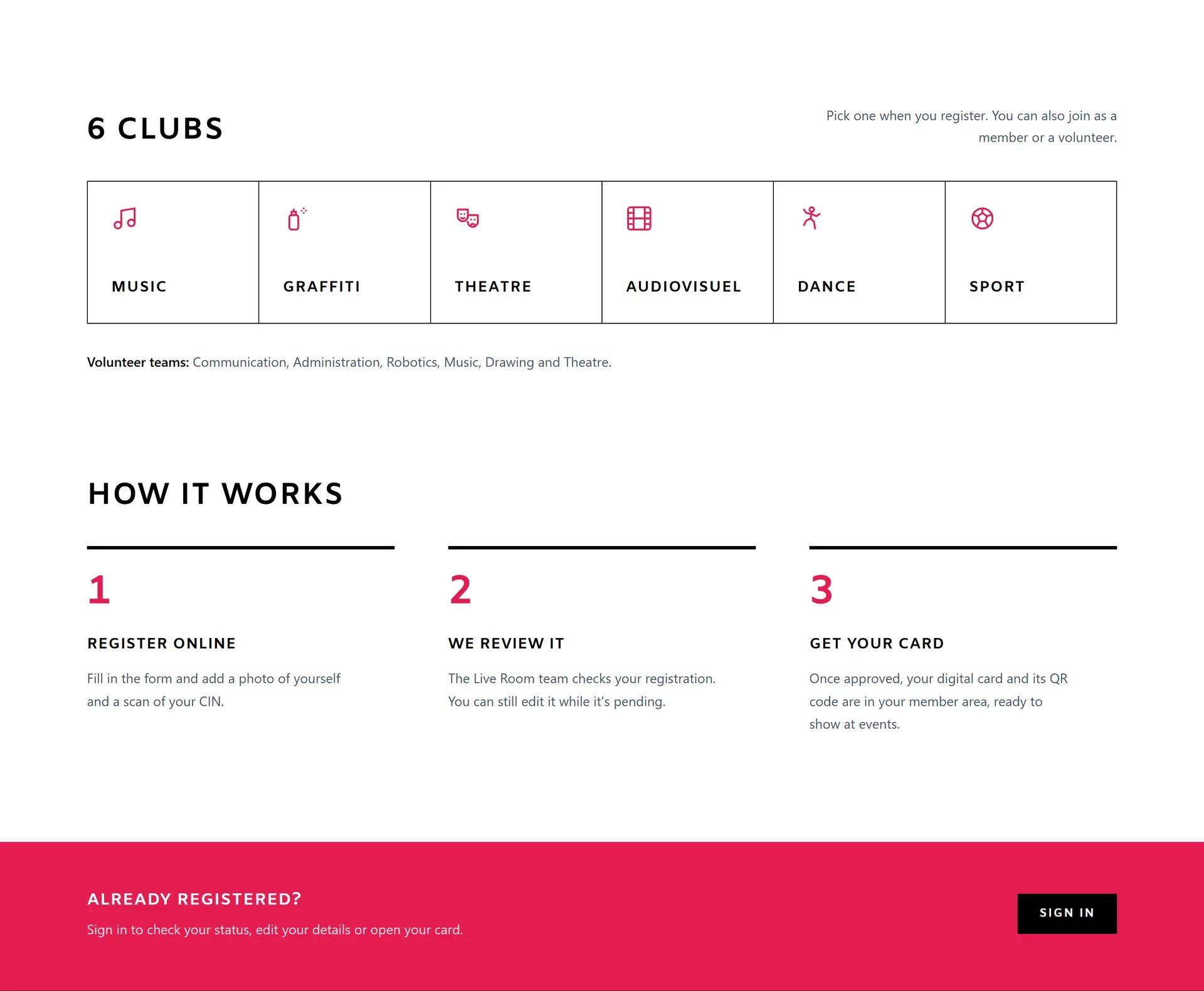
Registration moved from paper to the web. Visitors sign up online, the team approves them from one table, and every member gets a QR card they can download as a PDF.